
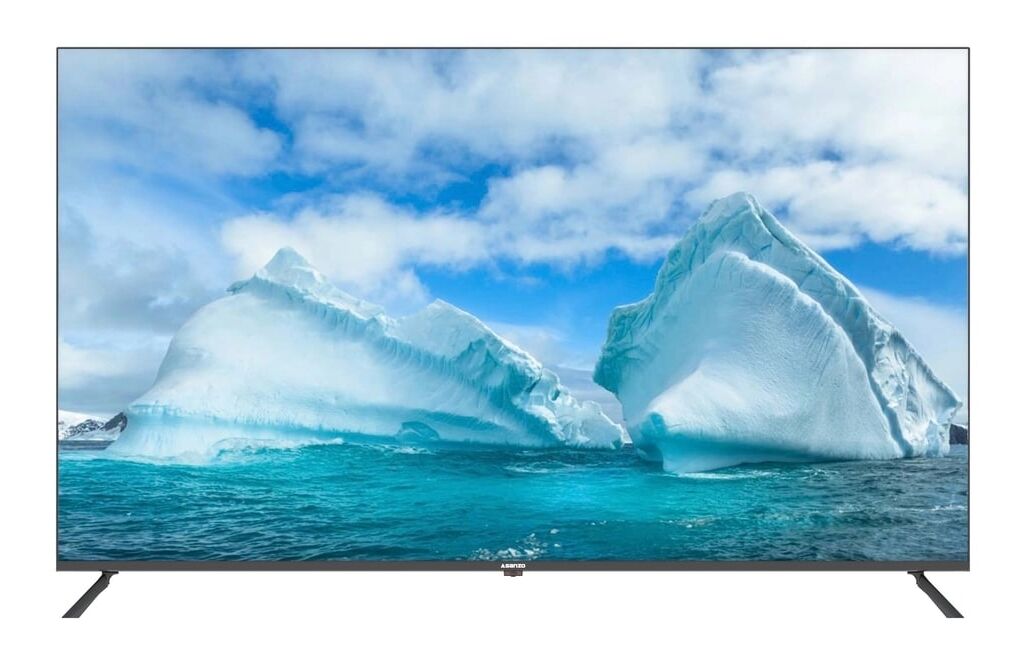
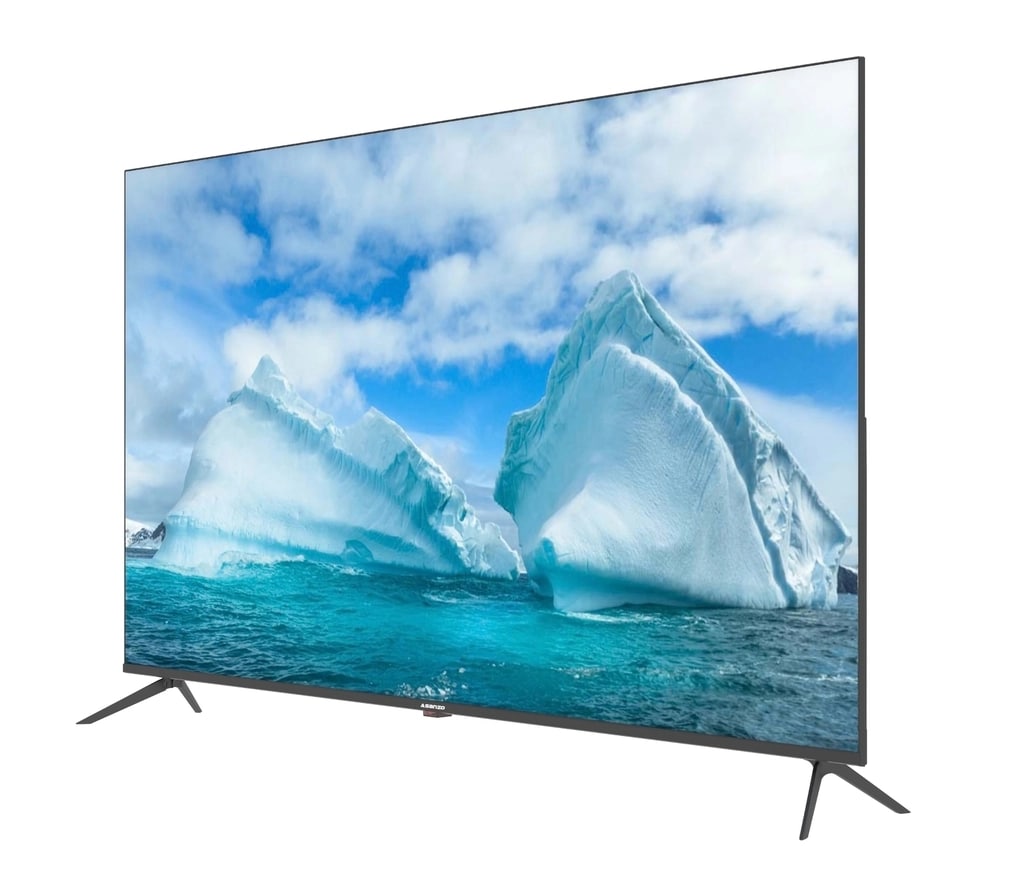
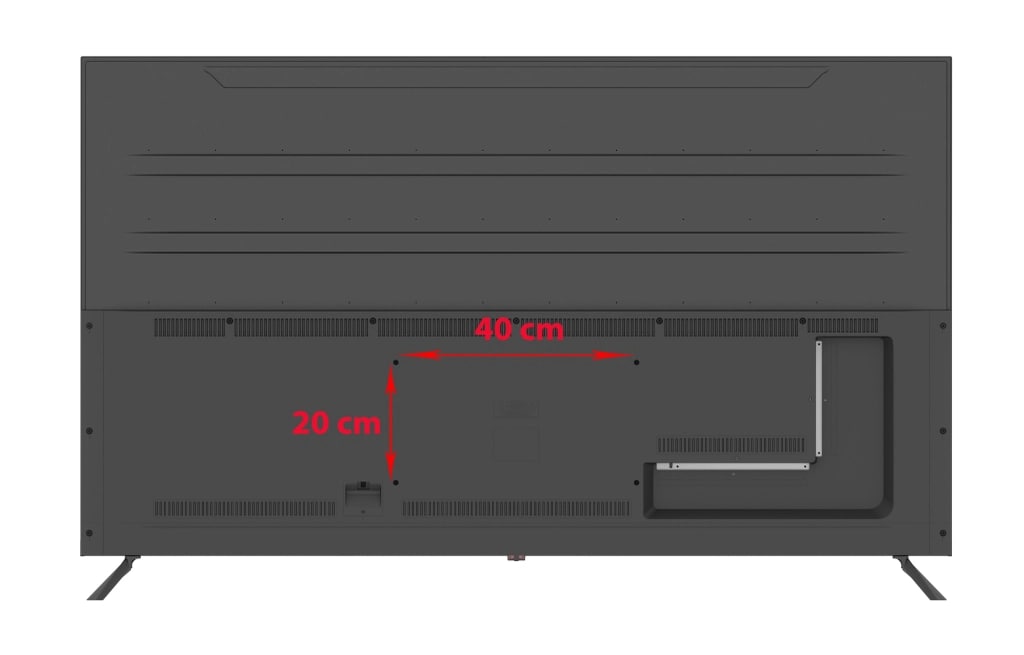
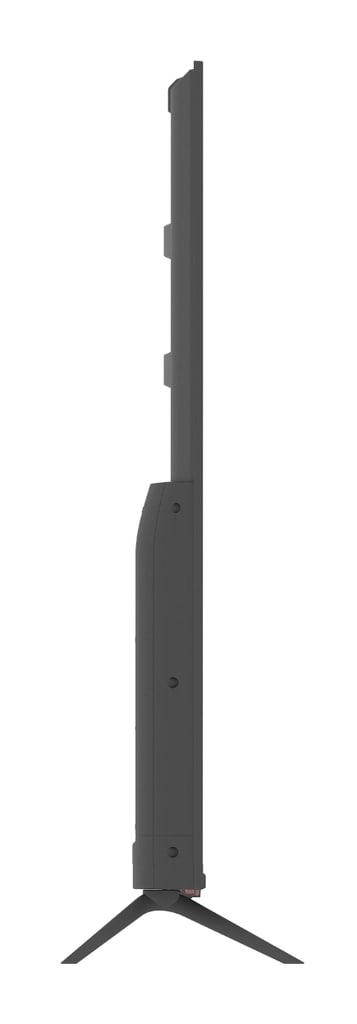


SMART TV 65 inch ASANZO – 65DQN10
65-inch FullHD screen, support UHD, wide viewing angle
Entertainment store: ClipTV, VTV Cap On (free for 1 year), NetFlix, Youtube
Running OS 9.0 Customization, AI-powered Smart Virtual Assistant
Support Bluetooth connection to connect audio devices, mouse, keyboard...
FEATURE:
COMPLETELY FIXED YOUTUBE UNABLE TO VIEW ERROR
RUN OS 9.0 WITH 64-BIT QUAD - CORE PROCESSOR
- RAM-2GB: Smooth application loading speed.
- Minimizing crashes when running multiple applications at the same time.
- ROM-16GB: Create large data storage space.
CONNECTING PLAY VIDEOS ON YOUTUBE FROM SMARTPHONE.
- Can connect via code simply, no need to use the same wifi network or cable.
INTEGRATED VOICE SEARCH, APPLY SENDING AND GOOGLE ASSISTANT.
- The TV uses a Smart Remote with integrated Fly Mouse, Voice Search, Google Assistant and can control the TV through infrared eyes and control via Bluetooth (Bluetooth name is: ASG RC)
- The TV supports Voice Search and Google Assistant on a standalone account. (Google account can only be logged in on a single TV)
- Search by voice in youtube, google or zing mp3 by remote.
LUXURIOUS DESIGN AND MODERN.
- Elegant and luxurious borderless design shows elegant and strong features through angular designs.
- The sturdy base, designed with delicate beveled edges, brings a luxurious look to the product line.
HDR HDR IMAGE CONTROL PROGRAM.
With HDR technology, the image is adjusted to each pixel in terms of color, brightness, sharpness, and contrast.
- In addition, the TV is also equipped with multi-dimensional surround sound technology, to create a lively music or movie listening space, bringing the real feeling of witnessing directly.
SMART CONNECTION.
- How to connect Bluetooth Remote to TV:
+ First time connecting: Point the remote at the eyes to receive the TV (control like a normal infrared remote) -> press the voice search button on the remote and open Bluetooth on the TV -> Remote plays Bluetooth and the TV scans the device, when the ASG RC device name appears, click on the ASG RC device name to connect.
+ Second connection or with another Islim TV of the same model: - Point the remote at the eyes to receive the TV (control like a normal infrared remote) -> press at the same time MENU and EXIT on the remote --> remote play Bluetooth and scan TV device, when the ASG RC device name appears, click on the ASG RC device name to connect.
- How to connect Bluetooth with Speaker: Point the Remote towards the TV and press the middle of the power key to call bluetooth settings, or go to settings select network settings and select Bluetooth settings, to detect speaker devices.When the speaker device name appears up , tap the speaker name to connect.
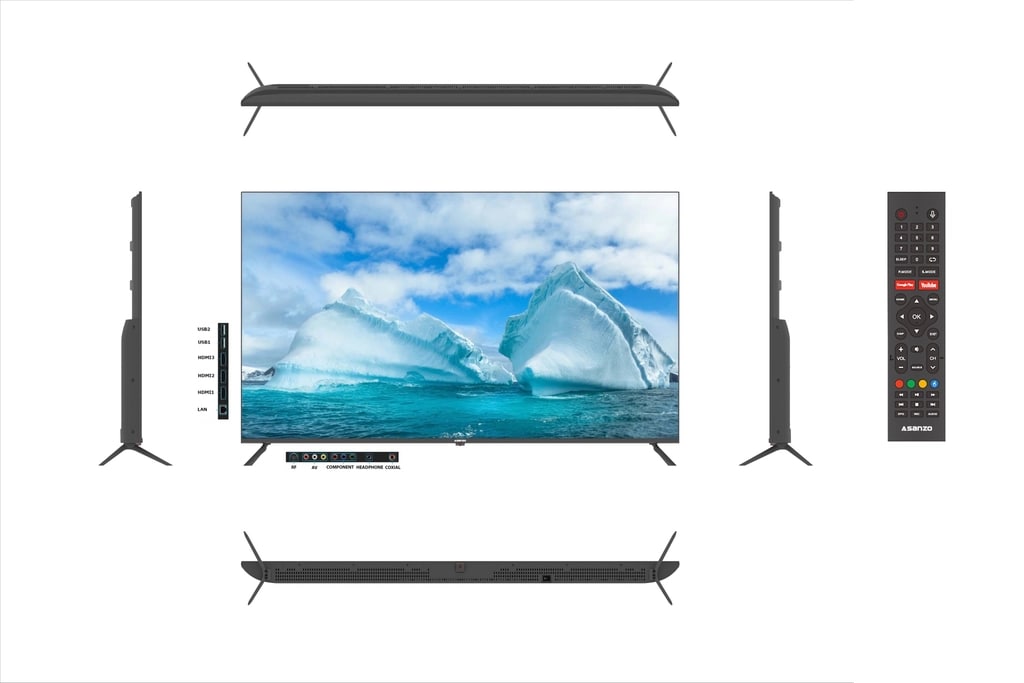
- Convenient connection to your audio-visual system thanks to a powerful media system that makes it easy for users to pair with digital devices in the home via HDMI, AV, Composite ports.
- USB connection is also equipped by Asanzo allowing users to watch movies, listen to music via USB memory stick, providing an equally interesting experience compared to other TV lines on the market today.
ADVANCED LED BACKLIGHT TECHNOLOGY.
- 4K resolution LED screen, using advanced LED backlight technology, provides high brightness to bring vivid and clear images to every detail while ensuring optimal power saving.
- Users can watch 4K high-definition movies without blurring and ghosting like conventional TVs.
GOOGLE PLAY STORE APP STORE.
- Diverse application store from Google Play Store.
- You can download thousands of Android apps to your TV from the app store.